






















































Stay Connected Even When You’re Offline with Zoho Mail During the Holidays
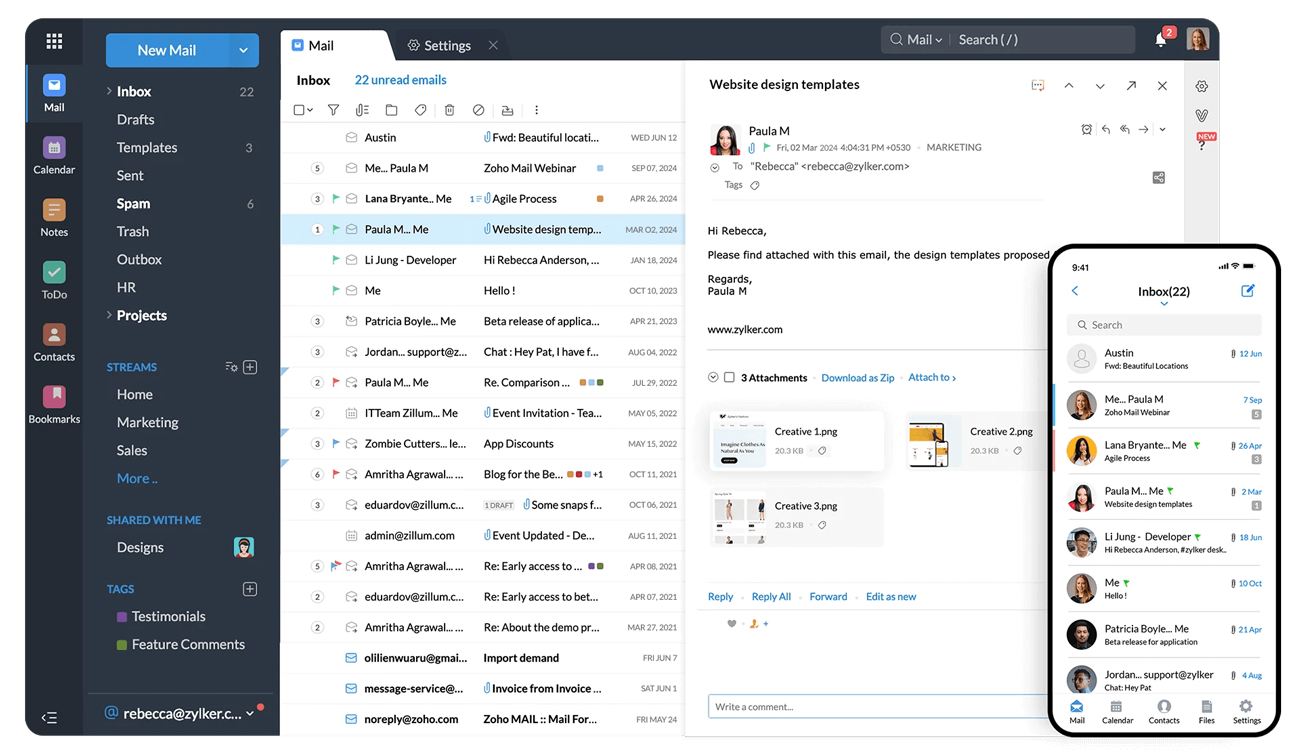
Holiday breaks sound great on paper. But you often find yourself stuck without internet access and keep wondering if you’ve missed something important. Flights, remote locations, or slow hotel Wi-Fi – it happens more often than we like to admit. This is exactly where Zoho Mail’s Offline Mode earns its place. It’s a practical feature, meant for real situations. This feature allows you to retain control over your inbox even in places where there’s no connectivity.
Key Features of Zoho Mail’s Offline Mode
Using the Offline Mode, you can open Zoho Mail and continue to work with your emails without an active connection. This means you can:
- Read previously synced messages
- Check key conversations
- Draft replies at your own pace
Once you’re back online, those drafts are sent automatically. There’s no need for manual follow-ups. It keeps work progressing in the background while you focus on your holiday.
What Users Must Know
Before you start using the Offline Mode, here’s something important you should know.
- Users must enable the Offline Mode before being disconnected from the internet.
- The emails get saved directly in your browser storage. Therefore, keep the same window and browser tab open. If you close these, the offline data will get cleared.
Your actions will be limited when you are offline. Here’s what you can do:
- Read emails
- Write drafts
- Reply to existing conversations
However, you must wait for the internet connection to get restored for anything else.
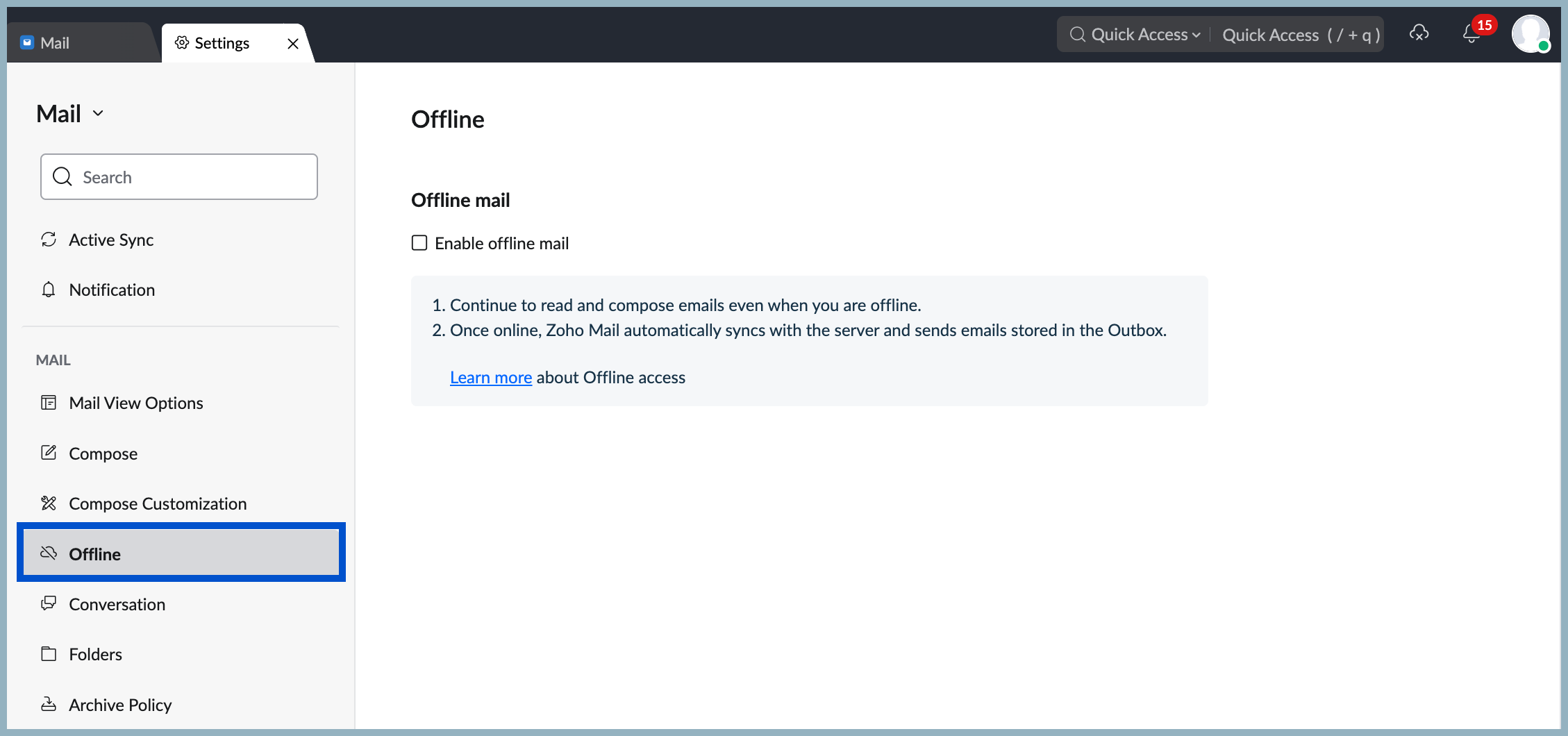
How to Set Up Zoho Mail Offline Mode?
You can easily set up the Zoho Mail Offline Mode in a few minutes. Follow the steps mentioned below:
- Log in to Zoho Mail
- Click the Settings icon
- Go to Offline Mode
- Enable offline access
- Choose how many days of emails you want stored
- Decide whether attachments should be included
Once configured, Zoho Mail prepares itself for moments when connectivity isn’t guaranteed. For distributed teams or professionals who travel often, this small setup can remove a lot of stress.
If your organization is planning a broader email migration or cleanup before the year ends, this is also a good time to move to Zoho Mail with a smooth, guided setup process. Doing it early ensures teams are familiar with features like Offline Mode before they actually need them.
The Offline Mode isn’t about working more during holidays. It’s about removing anxiety. You stay informed, prepared, and responsive without being tied to a network connection.
Why Choose Xponential Digital
Xponential Digital is your trusted Zoho advanced partner, helping you avoid mistakes during setup. With the professionals on your side, businesses can rest assured that policies, storage, and security settings are aligned right from the outset.
The team helps organizations integrate Zoho with our practical approach. Clients value their clarity, responsiveness, and deep understanding of Zoho Mail and workflows.







 Xponential Digital