























































Building Smarter Business Processes Using Native AI in Zoho Creator
If you’re managing teams, you’d acknowledge that discussions over AI often drift toward big promises, which makes outcomes seem abstract. Most leadership teams are looking for something different, more concrete. What they want is less manual handling, cleaner inputs, faster turnaround, and systems that perform equally well with an increase in volume. That is where Zoho Creator stands out. Instead of pushing AI as a separate layer, it embeds intelligence directly into the applications teams already use to run operations.
This approach removes common operational hurdles early. There is no need to integrate external tools or redesign workflows, considering the technology you’re using. With Zoho Creator, AI operates inside existing forms, data structures, and automations, which makes adoption far more practical.
How intelligence strengthens real workflows
The strength of AI inside Zoho Creator is proximity. Data does not have to move across systems before being processed. It is interpreted, enriched, and acted upon at the point where it enters the application. That makes the output easier to trust and refine over time.
In daily applications, this typically shows up as:
- Automated checks in place of manual inspections
- Better quality inputs
- Workflows respond faster without constant supervision
Teams can review the outcomes, correct them when needed, and gradually improve accuracy without rebuilding the app.
Features that solve everyday problems
Users on this platform appreciate its simplicity as it does not overwhelm them with too many options. It prioritizes specific areas where AI consistently delivers value.
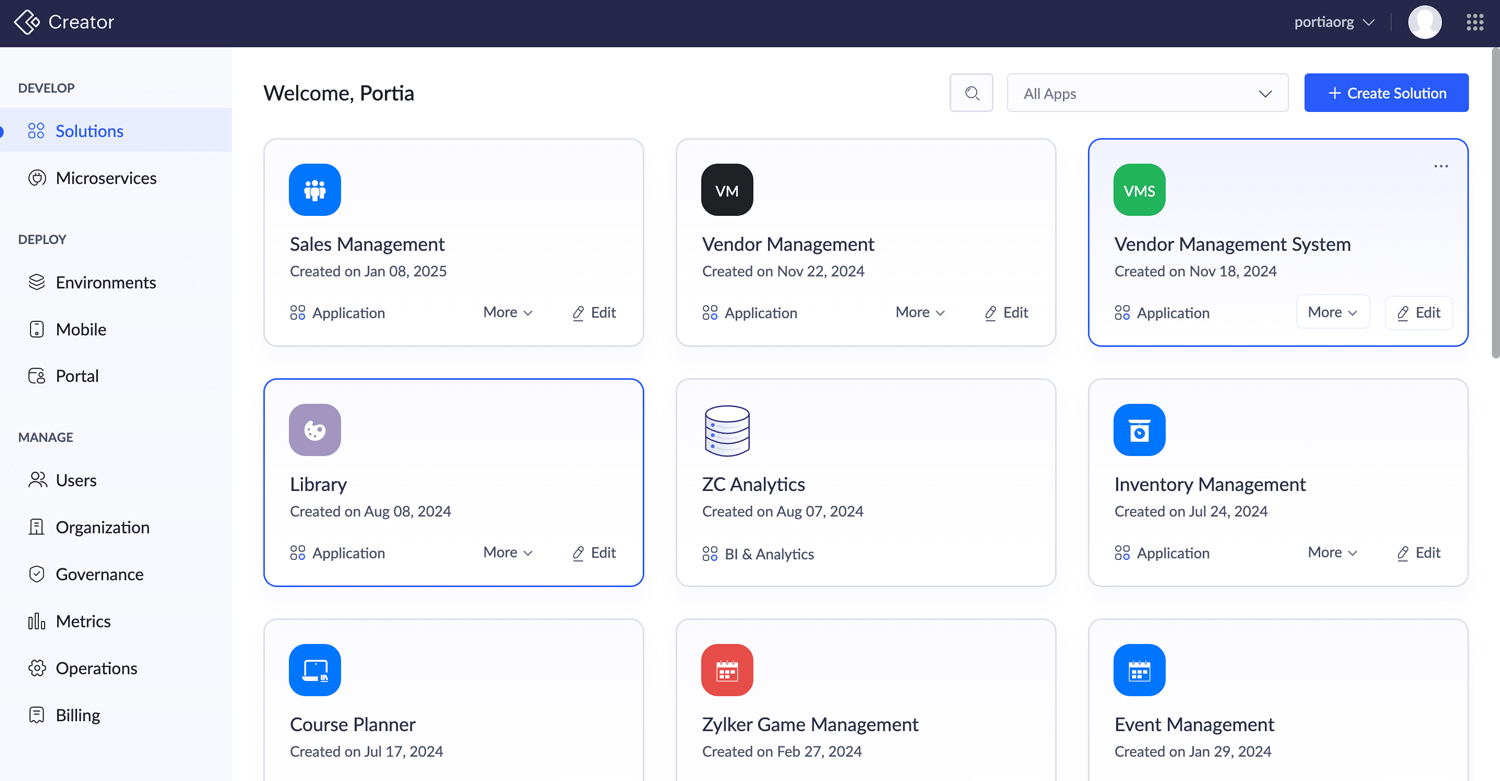
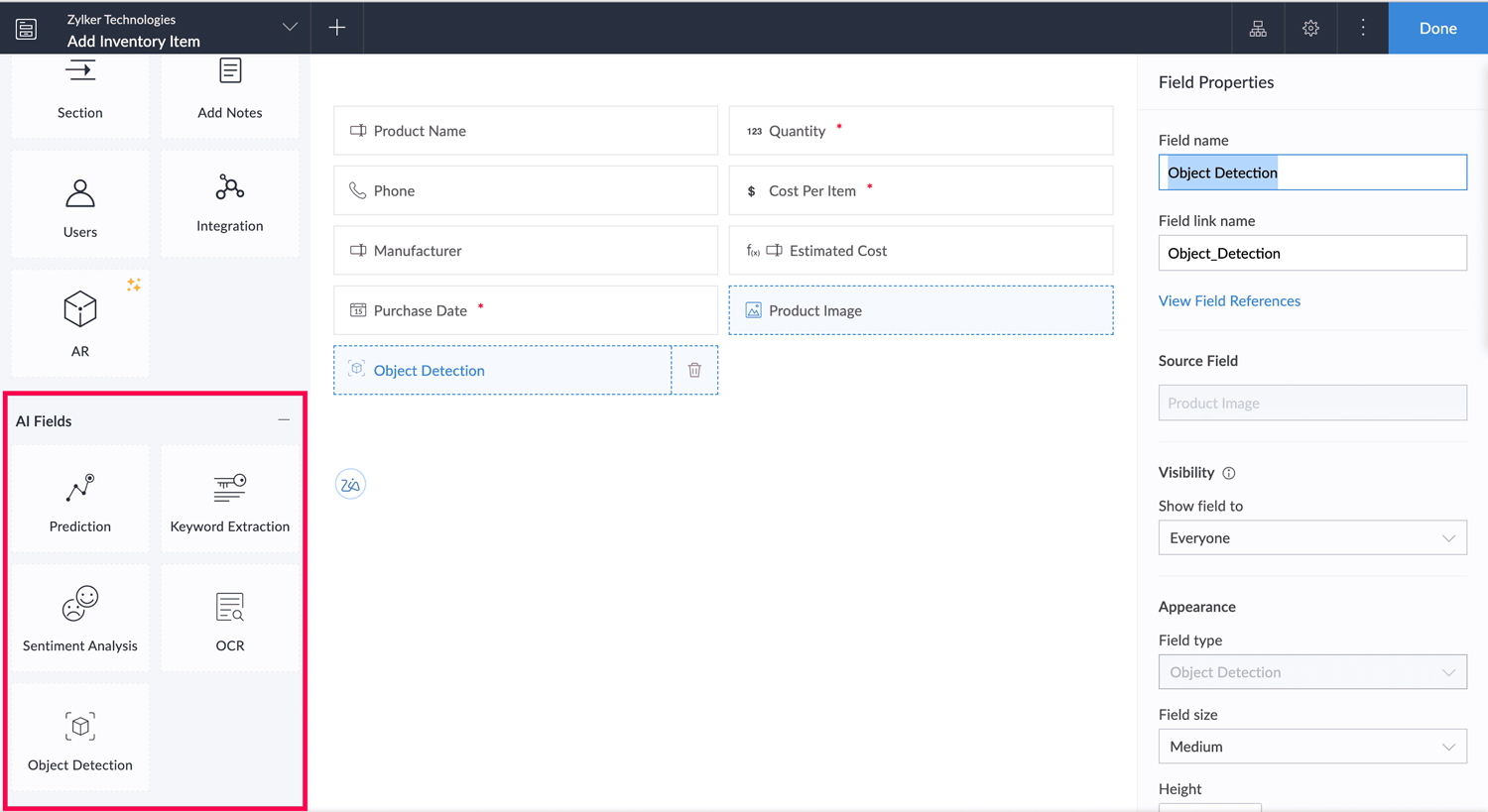
- AI models help extract information from documents, classify feedback, and tag records automatically. Tasks that once required multiple tools can now be handled within the same application environment.
- Smart Import addresses a common pain point as teams do not have to deal with messy spreadsheets. It standardizes data, identifies inconsistencies, and highlights relationships before records ever go live. This saves hours of cleanup downstream.
- The code generation assistant supports teams that know what outcome they want but do not want to spend time writing repetitive logic. It speeds up development while keeping control firmly in human hands.
AI Skills are useful when a process involves judgment across multiple steps. That’s why teams should know how to use AI Skills in Zoho Creator automation. When agents work on specific instructions and clear boundaries, they serve as reliable assistants.
How to choose the right use case
AI adds value when it complements logic without replacing it. Use intelligence where interpretation is required, like reading documents or understanding free-text inputs. Keep calculations, validations, and approvals rule-based. This balance keeps systems predictable and easy to maintain.
Teams may consider starting on a small scale. One well-defined workflow that saves time or reduces errors builds far more confidence than a broad initiative that struggles to deliver measurable impact.
How experienced teams can help
Teams that see consistent results usually invest first in clean forms, structured data, and clear ownership. In these environments, AI serves as a key accelerator instead of being just a patch for problems.
This is where the right partner can help teams integrate AI seamlessly. With the right guidance, Zoho Creator becomes a platform that scales operational maturity along with automation.
Why Choose Xponential Digital
Xponential Digital helps organizations integrate AI, which streamlines operations for teams. The professionals prioritize stable workflows, measurable outcomes, and systems that teams can confidently run long after they go live. If you want AI-enabled applications that actually speed up production, consult the experts to optimize your processes.







 Xponential Digital