


















































Making Creator-CRM Integration Work Better for Growing Teams
Most integration updates significantly influence how teams work every day. The recent improvements to how Zoho Creator connects with Zoho CRM fall into that category. These changes are not about redefining processes. They are about reducing challenges, tightening accountability, and giving teams a cleaner way to manage custom applications inside their CRM environment.
For organizations that depend on custom-built apps along with CRM workflows, these updates address issues teams have dealt with for years. Access control, confusion over ownership, and ongoing maintenance are often some of the challenging points where integrations start breaking down. The latest enhancements prioritize stabilizing those areas, so that integrations remain dependable as usage increases.
A More Structured Integration Experience
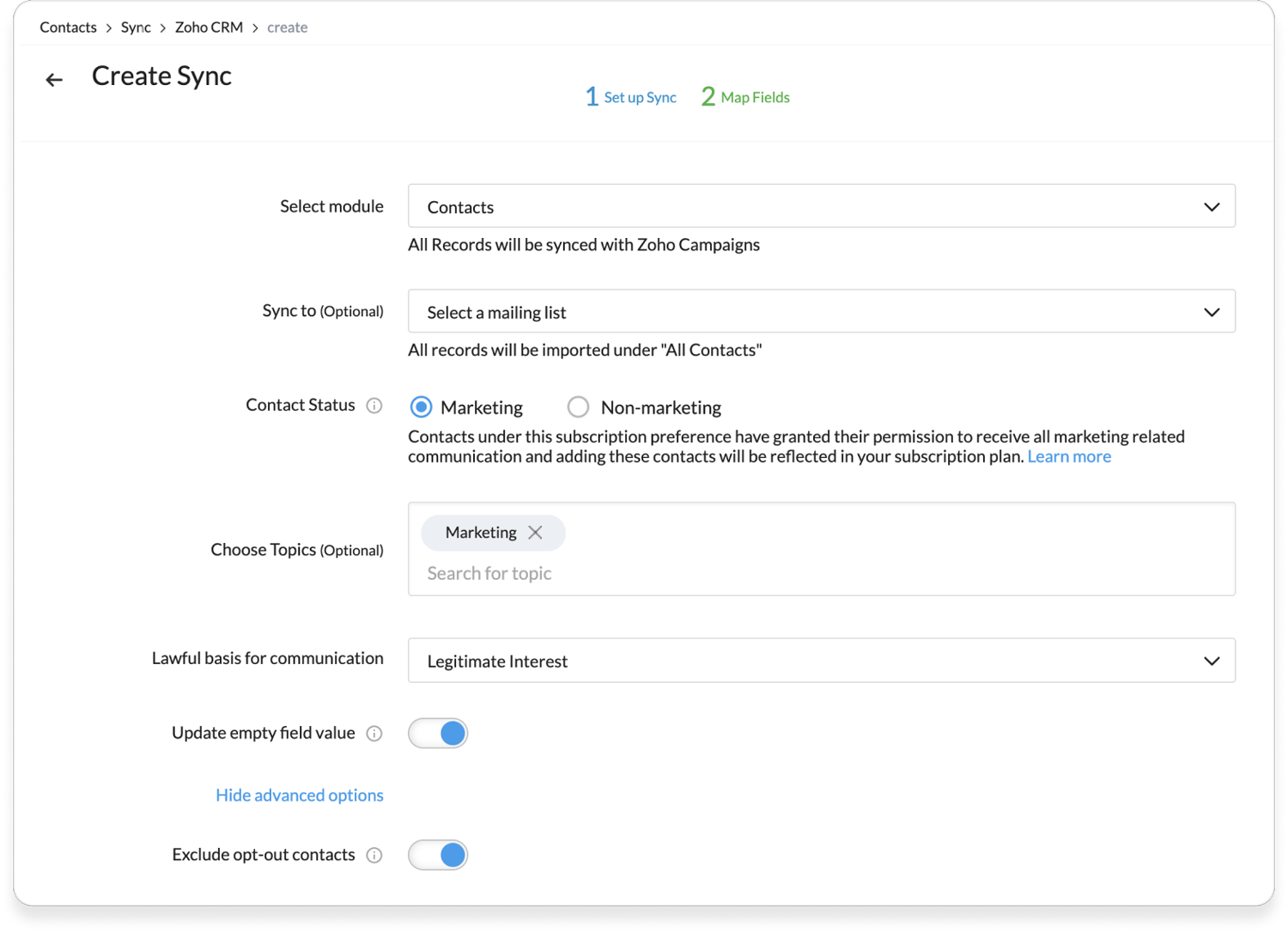
One of the most noticeable shifts in user experience is in how Zoho has redesigned the integration flow. The updated interface guides teams through configuration in a logical sequence, from customization to user permissions and related lists. This is something crucial because integrations often struggle due to inconsistent setup decisions made over time.
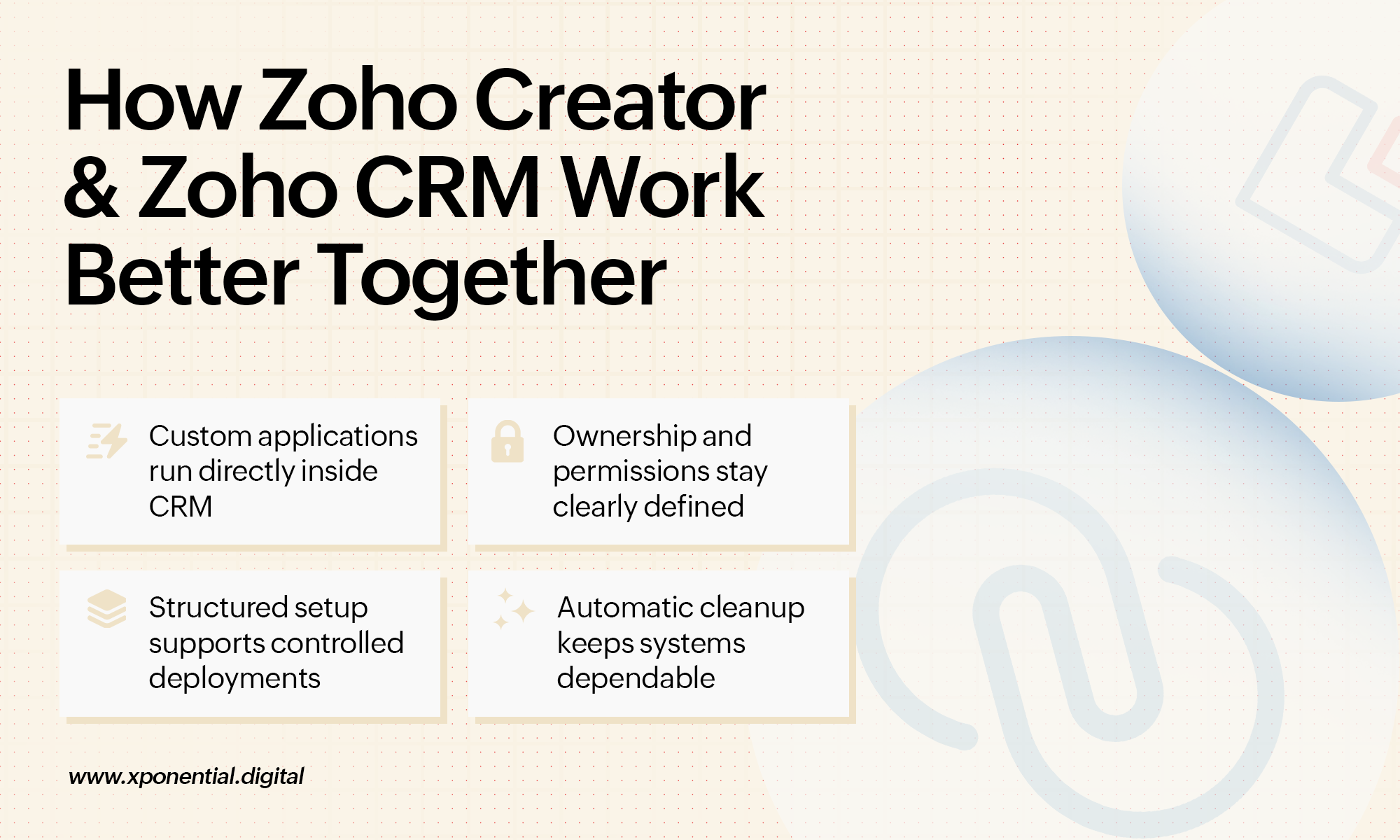
Another important change is the move from tab groups to team spaces when associating applications. For businesses already using the new CRM interface, this aligns Creator apps more closely with how teams organize work today. Custom applications no longer feel locked, but are easily accessible to users where they need them the most.
Clear Ownership and Better Governance
As organizations expand, shared ownership often makes responsibility unclear. Integration ownership is now limited to application owners, which creates a clear point of accountability. While this may initially feel restrictive, it removes confusion in environments where multiple teams manage the same systems.
Support for multiple developers within a single application demonstrates how real teams operate. In most organizations, multiple executives shoulder the responsibilities for development and maintenance. A supportive environment for development, staging, and production further strengthens this structure by allowing teams to test changes properly before pushing them live. For companies planning Zoho CRM integration for growing enterprise use cases, this level of control becomes essential.
Automatic removal of related lists when an app is deactivated also prevents unused components from staying behind. Over time, these small cleanups make a noticeable difference in the reliability of the system.
All these updates point to a more deliberate way of handling integrations. They acknowledge that complexity increases over time and that systems need to be designed from that practical point of view.
Why the Right Integration Support Matters
Improvements on the platform are only one part of the equation as teams must also consider how they apply these features. Working with an experienced Zoho CRM integration consultant helps teams translate technical options into workflows that enhance their operations.
The objective is not simply to connect tools. It is to ensure those connections remain stable as teams grow, data volumes increase, and compliance requirements change. This is especially important when custom applications built on Zoho Creator manage daily operations.
Why Choose Xponential Digital
Xponential Digital helps organizations keep their integrations manageable long after they go live. As a Zoho CRM integration partner, these professionals prioritize clear ownership, sensible permissions, and systems that scale without becoming fragile. If you are reassessing your integration setup or planning a new one, the experienced team ensures that the structure would strengthen growth with professional insights.







 Xponential Digital